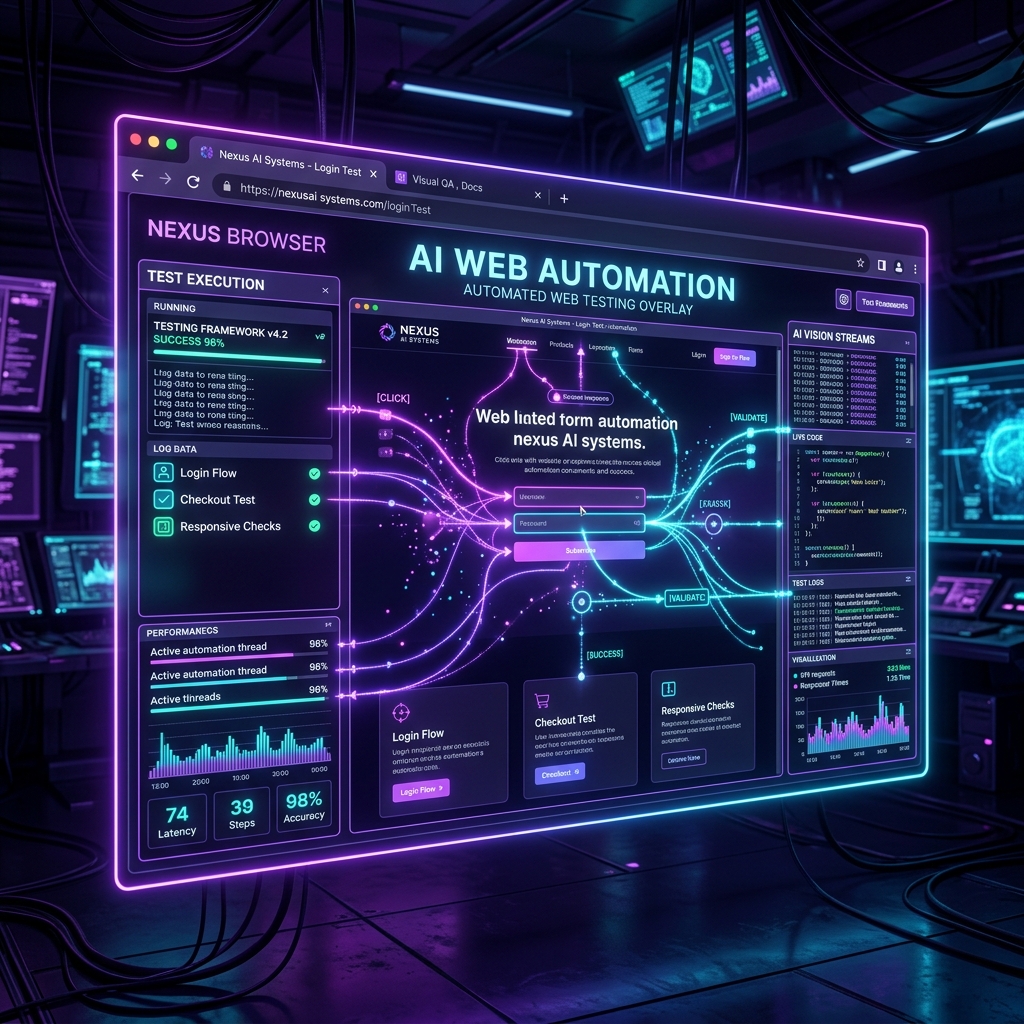
How AI Agents See and Test the Web: A Deep Dive into Browser-Use and Autonomous Verification
One of the greatest challenges in vibe coding is visual and functional verification. An AI coding agent can generate 1,000 lines of Next.js code, but how does it know whether a button click actually triggers a modal window, or if a form submits data correctly to a backend server?
Human developers manually open the browser, click buttons, inspect Chrome DevTools, and verify the UI. AI agents use Web Automation Harnesses.
At the forefront of this technology is browser-use — an open-source Python library with over 30,000 Stars on GitHub that gives AI agents "eyes and hands" to control headless Playwright browsers.
---
1. How browser-use Works: Vision + DOM Indexing
Standard web scraping tools parse raw HTML text, which lacks visual awareness. browser-use combines DOM element indexing with Vision Language Models (VLMs):
- DOM Tree Extraction:
browser-useparses the active web page and builds an annotated DOM tree. - Interactive Element Bounding Boxes: It assigns numeric tags (e.g.
[12] Submit Button,[15] Email Input) to all clickable and focusable elements. - VLM Screenshot Analysis: Captures a screenshot with highlighted element tags and sends it to the AI model alongside the clean text DOM.
- Action Execution: The AI model outputs explicit Playwright actions like
click_element(12)orinput_text(15, 'user@example.com').
2. Step-by-Step Tutorial: Running an AI Web Verification Agent
Let's write a Python script using browser-use and langchain-openai to verify a live deployment:
```python import asyncio
from langchain_openai import ChatOpenAI from browser_use import Agent
async def verify_login_flow(): # Initialize LLM engine llm = ChatOpenAI(model="gpt-4o")
# Define verification task task = """ Go to https://vibecodingcodex.com/signin 1. Verify that the email and password inputs are present. 2. Type 'testuser@vibecoding.com' into the email field. 3. Type 'password123' into the password field. 4. Click the 'Sign In' button. 5. Confirm that a success message or dashboard redirect occurs. """
# Launch browser-use agent agent = Agent( task=task, llm=llm, use_vision=True )
# Execute verification loop history = await agent.run() print("Verification completed successfully!")
asyncio.run(verify_login_flow())
``
---
3. Integrating Web Automation into Your Harness
In Ryan Lopopolo's Harness Engineering framing, automated browser verification forms Layer C of the repository harness.
Instead of waiting for real users to discover broken UI forms or navigation bugs:
- Post-Ship Verification: Whenever your AI co-pilot deploys a new feature to staging (Vercel / Netlify preview), trigger a browser-use` script.
- Automated Screenshot Auditing: The browser agent captures screenshots of mobile vs. desktop viewports and flags visual layout bugs.
- Self-Correction Feedback Loop: If the browser agent fails to find an element (e.g., "Submit button missing ID attribute"), the log is fed back into the AI coding agent to fix the component code automatically!
4. GitHub Repository Reference
To explore the open-source browser-use codebase, contribute, or view architecture docs, visit the official repository at browser-use/browser-use.
Learn automated verification workflows across our 10 Flagship Missions on Vibe Coding Codex.
Ready to Stop Typing Code & Start Directing AI Systems?
Join 5,000+ developers building real production software with AI. Learn the 7-Stage Vibe Coding OS, harness engineering, and earn your verified Build DNA Certificate.