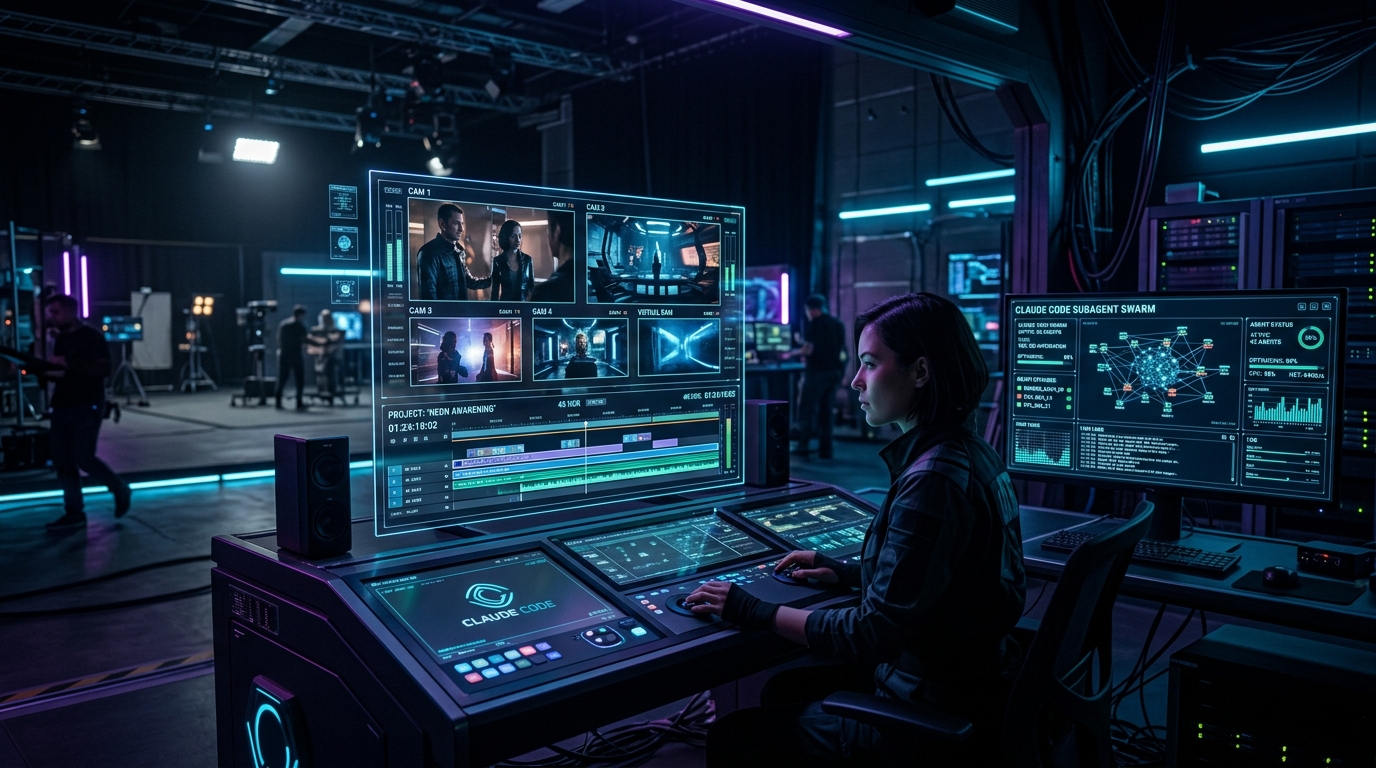
How to Build an Autonomous AI Film Studio in Claude Code: The 6-Stage Pipeline, Loop Engineering & Seedance 2.0
AI video generation has collapsed the cost of video creation. What used to require a multi-million-dollar production budget, weeks of location scouting, camera crews, and manual post-production editing can now be generated in minutes.
However, cheap generation created a new bottleneck: The Operator Burnout Crisis. Clicking a "Generate" button 1,000 times across 50 iterations per shot to assemble a 20-shot short film leaves the creator exhausted, resulting in generic "AI slop" video content.
The solution is Loop Engineering — building a dedicated agentic system where you hold human taste and the agent handles execution throughput.
In this masterclass guide, we unveil the complete system to turn Claude Code into a working film studio using the Higgsfield CLI, Seedance 2.0, vision-extracted Style Contracts, and 3-tier nested agent loops.
---
The Core Philosophy: Taste In, Cinema Out
"Cheap generation didn't make good video easy... it moved the entire job into taste."
Professional filmmaking used to be a financial bet: every camera take cost real money and real days, forcing crews to play it safe. AI video collapsed that iteration loop to zero marginal cost.
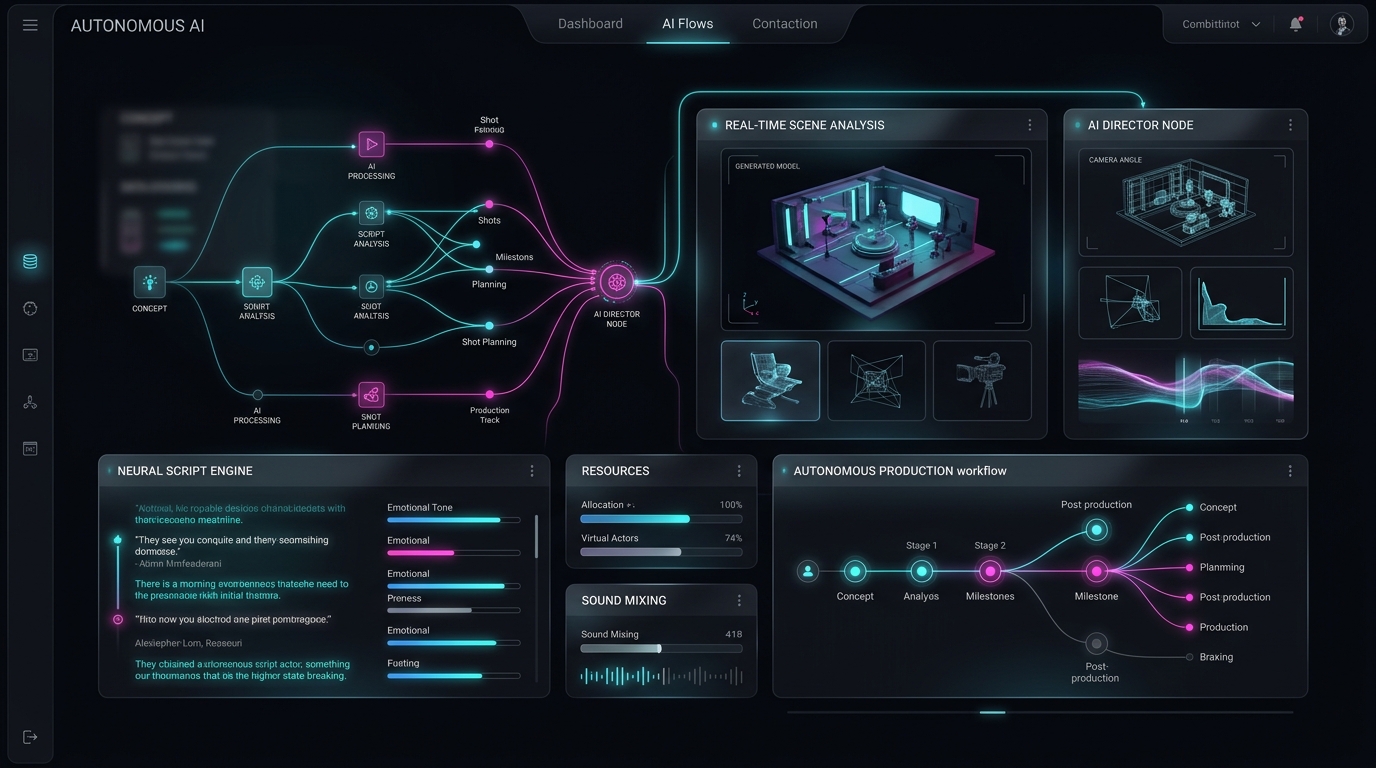
To run an autonomous studio, the workload must be strictly split into two domains:
- Human (The Director): Owns taste — selecting reference frames, approving keyframes, judging emotional impact, and directing final cut assembly.
- Agent (The Studio Engine): Owns throughput — writing 5-layer prompts, submitting CLI jobs, polling model queues, retrying failed generations, managing subagents, and compiling FFmpeg cuts.
---
Architectural Breakdown: The 3 Nested Loops
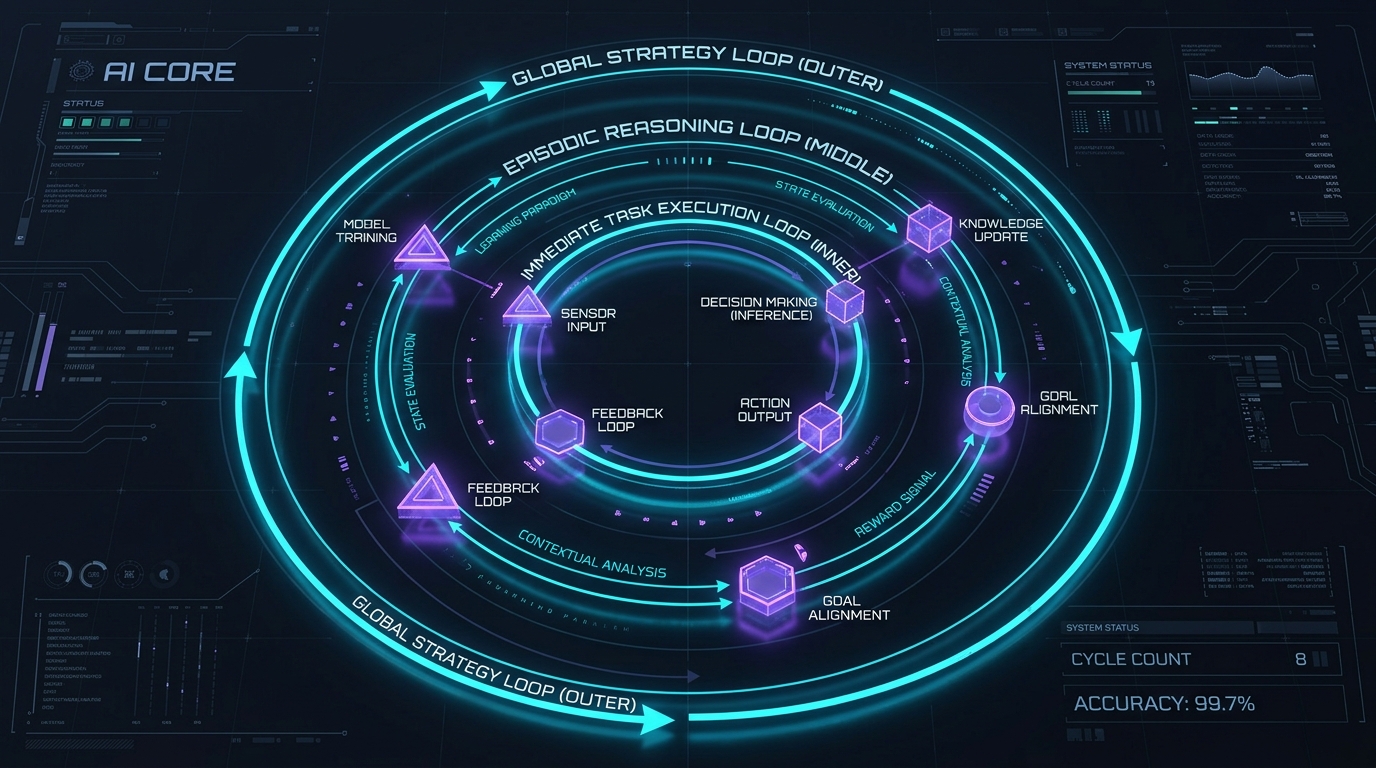
An autonomous studio relies on three nested loops running continuously inside your terminal harness:
1. The Shot Loop (Micro): Generates a clip, evaluates it, modifies exactly ONE variable (camera, lighting, or speed), and regenerates until the shot earns its place.>
2. The Fleet Loop (Macro): Walks the production shot list, submits generation tasks to free API concurrency slots, and collects winner files.>
3. The Session Loop (Studio Memory): Logs every generation (prompt, seed, model name, resolution, kept vs. killed) into a run database so production #2 inherits everything production #1 learned.
---
One Platform, Every Model: The Higgsfield CLI Stack
Running an AI film studio usually requires managing 5 subscriptions, 5 web tabs, and 5 separate render queues. Higgsfield unifies every state-of-the-art model behind a single API token and credit pool.
| Model Target | Specialty / Role | Recommended Resolution |
|---|---|---|
| Seedance 2.0 | Motion workhorse for 3–5s image-to-video clips | 1080p |
| Soul Cinema | Photographic, high-realism character stills | 4K |
| GPT-Images-2 | Dense art direction & complex keyframe composition | 1080p |
| Nano Banana Pro | Surgical edits & character consistency sheets | 1080p |
| Seedream 5.0 Pro | Rapid multi-style frame exploration | 1080p |
| Sonilo Music | Full orchestral & cinematic score generation | Stereo WAV |
| 4K Upscaler | Master pass to upscale assembled edit | 4K UHD |
The CLI Control Door:
Setup takes 3 simple terminal commands:
npm install -g @higgsfield/cli
higgsfield auth login
npx skills add higgsfield-ai/skills
Once installed, your terminal becomes the studio console. One unified CLI syntax targets every model in the roster.
The Core Execution Flag Pattern:
higgsfield generate create seedance_2_0 --prompt "slow dolly in as the sail tears loose" --start-image ./frame.png --duration 5 --resolution 1080p --wait --json
- --start-image: Ingests local image paths for image-to-video keyframing.
- --end-image: Locks the closing frame to create seamless chain shots.
- --wait: Blocks until rendering completes and returns the asset URL.
The 6-Stage Production Pipeline
Stage 1: Extract a "Style Contract" from Real Cinema
Never describe cinematic mood from raw imagination — the word "cinematic" is the most wasted word in AI prompting. Models have seen 10 million generic images tagged with it, rendering it meaningless.
Instead, extract a Style Contract from real cinema stills (using Frameset, Shotdeck, or Fancaps) using a vision model like Gemini 3.1 Pro:
- Feed 5 to 10 curated film stills to the vision model.
- Ask the model to extract: Lens focal length, lighting direction & source, color grade palette, film grain depth, contrast ratio, blocking, era markers, and atmosphere.
- Lock the resulting output into one paragraph.
Example Style Contract:
"Shot on 35mm anamorphic film, heavy organic grain, gentle halation, deep crushed blacks, slightly faded print, motivated warm key light from 45 degrees, bronze-age Aegean palette, wina-dark sea, bleached limestone, weathered bronze, storm-grey sky."
Paste this locked paragraph into every single prompt for the production, word for word.
---
Stage 2: Frames Before Motion (Always)
Never generate video from text imagination. Exploration at the video layer is 10x more expensive and 10x slower.
- Multi-Model Frame Exploration: Run the same prompt across Seedream 5.0, Soul Cinema, and GPT-Images-2 side-by-side.
- Character & Location Sheets: Create reference sheets for each character (front, three-quarter, profile, cropped separately). Never use grid layouts, as video models mistake grid panels for multiple people!
- The 3 Frame Rules:
---
Stage 3: The 5-Layer Prompt Stack
Prompts must direct, not describe. Delegating shot script creation to Claude Code or Fable 5 Medium requires enforcing a strict 5-Layer Prompt Template:
- Subject: Specific identity markers (age, hair, clothing texture).
- Action: One primary movement (present tense, single verb).
- Camera: One primary camera move (push-in, tracking, handheld, orbit, crane, dolly zoom) + speed modifier.
- Style: The locked Style Contract paragraph.
- Constraints: Positive guardrails only ("smooth stable motion, sharp clarity, natural anatomy").
| Prompt Layer | What Works Best | Words That Break Output |
|---|---|---|
| Camera Moves | Slow push-in, tracking pan, handheld orbit, crane rise | "cinematic", "4K", "hyperrealistic", "unreal engine" |
| Lighting | Motivated warm key light from 45 deg, rim light, volumetric fog | "bright", "good lighting", "pretty atmosphere" |
| Subject Action | Present-tense physical verbs (scrambles, tears, grips) | Abstract emotion verbs (fears, contemplates) |
| Constraints | Positive guardrails (smooth stable motion, crisp focal detail) | Negative prompt lists (no blur, no bad faces) |
Prompt Length Rule:
- Text-to-video prompts: 120 to 280 words.
- Image-to-video prompts: Under 80 words (longer text fights the reference image, causing character drift).
---
Stage 4: Motion Grammar & Eliminating Frozen Shots
The most common failure in AI video is frozen figures — clips where the subject stands still while the camera drifts past them.
To guarantee dynamic motion in Seedance 2.0, enforce the Motion Grammar:
- Named Camera Move + In-Scene Event + Explicit No-Frozen-Figures Guardrail.
Bad Prompt: "Slow dolly in, cinematic." (Result: Still picture drifting)
Master Prompt: "Slow dolly in as the sail tears loose and the crew scrambles to catch it, smooth stable motion." (Result: Dynamic cinema)
#### Pro Motion Techniques:
- Chain Shots: The final frame of Shot N becomes the
--start-imageof Shot N+1, establishing flawless continuity without reloading character sheets. - Time-Coded Generations: Direct intra-shot cuts inside a single 15-second render:
---
Stage 5: The Subagent Swarm Fleet
Claude Code acts as the executive producer, spawning specialized worker subagents divided by shot family:
- Subagent A (Action & Creatures)
- Subagent B (Interiors & Dialogue)
- Subagent C (Water & Storm Environments)
Subagent Swarm Architecture:
- Orchestrator (Claude Code): Holds the Master Shot List.
- Worker Subagents:
- Subagent A (Creatures & Action): Submits prompts & polls CLI jobs.
- Subagent B (Water & Storms): Submits prompts & polls CLI jobs.
- Subagent C (Interiors): Submits prompts & polls CLI jobs.
- Queue Layer: Enforces concurrency cap before writing completed assets into the studio run database.
#### The Golden Fleet Rule: Respect Concurrency
API models enforce concurrency caps. An unthrottled loop crashes on rate-limit errors within an hour. An agent that checks active job slots using higgsfield generate get submits tasks only when a slot opens, allowing the fleet to run reliably overnight.
---
Stage 6: Montage as Code & FFmpeg Rendering
Video editing does not require heavy GUI NLE software. The entire post-production pass is represented as code:
- Score First: Generate the music score in one pass using Sonilo Music, matching the emotional arc (build -> peak -> quiet -> resolve).
- Montage Text File: Create a plain text edit manifest mapping shots, durations, and audio muting flags:
file './shots/shot_01_deck.mp4'
duration 4.2
# Mute clip audio to prevent collision with score
option mute>
file './shots/shot_02_storm.mp4'
duration 3.5
option keep_ambient
- FFmpeg Assembly: Claude Code executes
ffmpegheadlessly to stitch the clips and layer the audio track. - Single 4K Upscale Pass: Upscale the final assembled edit to 4K once at the end. Never waste credits upscaling individual candidate clips!
Summary: Building a Standing Asset
The film is the demo; the system is the asset.
Once you build this pipeline inside Claude Code, you hold an autonomous studio capable of churning out brand films, launch teasers, product ads, and narrative shorts overnight.
Master agentic workflows, harness engineering, and Vibe Coding on Vibe Coding Codex.
Ready to Stop Typing Code & Start Directing AI Systems?
Join 5,000+ developers building real production software with AI. Learn the 7-Stage Vibe Coding OS, harness engineering, and earn your verified Build DNA Certificate.