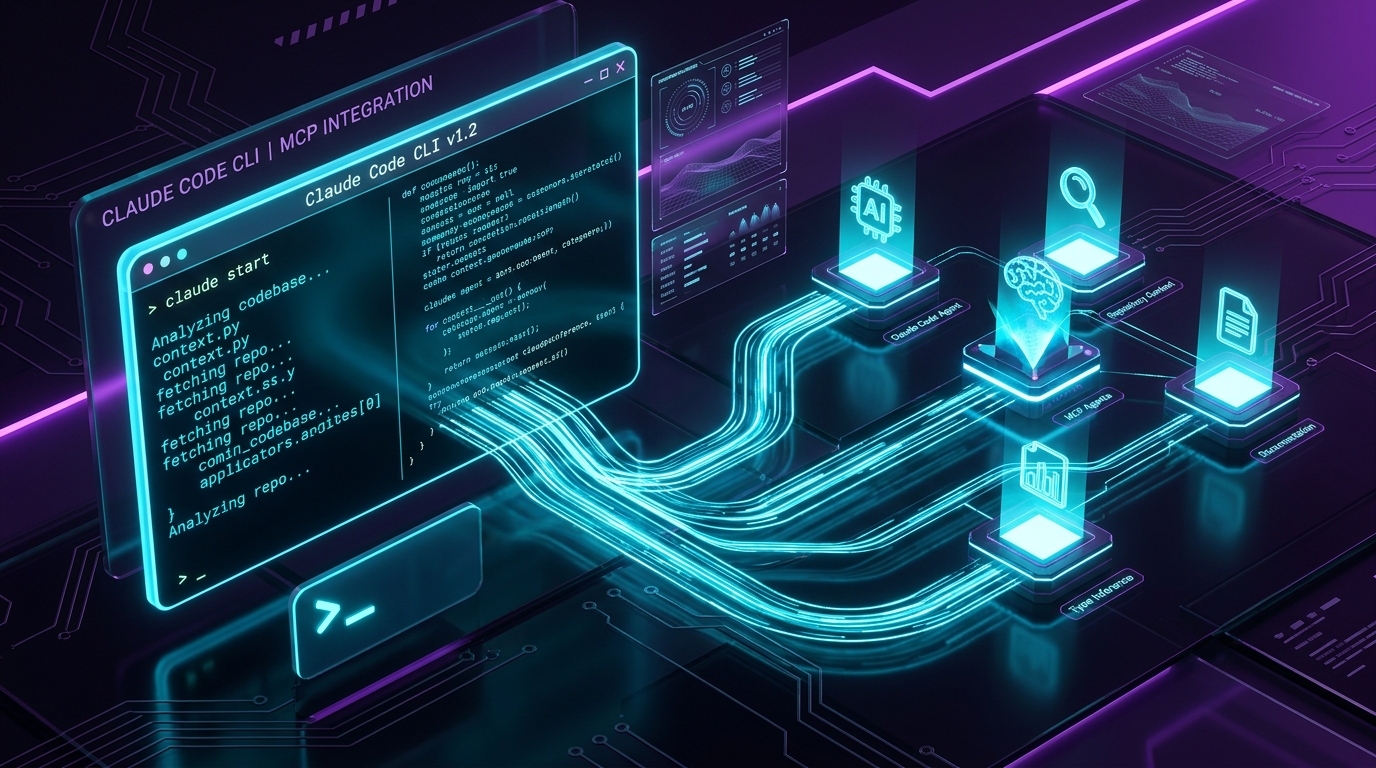
The Claude Code CLI Playbook: Master MCP Servers, AGENTS.md, and Subagent Swarms
The paradigm of AI software development has shifted from graphical chat interfaces to terminal-native agent execution. Anthropic’s Claude Code CLI (claude) represents the gold standard of command-line AI tools, allowing developers to grant an AI agent direct access to read, edit, execute, and verify code directly within their shell environment.
However, running claude with plain prompts is only 10% of its power. To unlock enterprise-grade velocity, you must connect Claude Code to Model Context Protocol (MCP) servers, structure project rules with AGENTS.md, and delegate long-running tasks to background subagent swarms.
Here is your complete 2026 playbook for mastering Claude Code CLI in production.
---
1. Why Terminal-Native Vibe Coding Outperforms Chat UIs
Traditional web chat interfaces force developers into a tedious copy-paste loop: copy error message from terminal → paste into chat → copy AI response → paste into IDE → run build → repeat.
Claude Code CLI eliminates this loop by operating directly inside your project root:
- Direct Workspace Tools: Inspects git status, reads file trees, runs unit tests (
pytest,jest), and executes shell commands natively. - Autonomous Error Resolution: When a build fails, Claude Code reads the compiler traceback, edits the file, re-runs the build command, and verifies the fix before asking for human approval.
- Zero Copy-Paste: Code changes are applied in-place as atomic git diffs.
2. Setting Up Model Context Protocol (MCP) Servers
The Model Context Protocol (MCP) is an open standard that allows Claude Code CLI to communicate seamlessly with external data providers, databases, and third-party tools.
Example 1: Connecting PostgreSQL Database MCP Server
Add an MCP database server to yourclaude.json or .mcp/config.json:
Now Claude Code CLI can execute read-only schema queries, inspect table relationships, and write type-safe Prisma / SQL migrations automatically!
Example 2: Connecting GitHub & Issue Tracking MCP
---
3. Engineering Your AGENTS.md & CLAUDE.md Repository Manual
When Claude Code enters a repository, its first action is to scan root instruction files. Creating a well-structured AGENTS.md file ensures Claude operates according to your team's exact architectural standards.
Complete Enterprise AGENTS.md Template:
---
4. Delegating Work to Background Subagent Swarms
When tackling multi-hour projects (e.g., refactoring 20 database handlers or adding unit test coverage to 15 modules), running a single main thread will consume token context quickly.
Claude Code CLI allows you to spawn subagents:
Subagents run isolated in parallel conversation contexts, reporting back to your main command bridge upon completion!
---
Summary Checklist for Claude Code Mastery:
- [x] Install CLI:
npm install -g @anthropic-ai/claude-code - [x] Create root
CLAUDE.mdorAGENTS.mdinstructions - [x] Add PostgreSQL & GitHub MCP servers to
.mcp/config.json - [x] Run with background subagents for heavy refactoring tasks
Ready to Stop Typing Code & Start Directing AI Systems?
Join 5,000+ developers building real production software with AI. Learn the 7-Stage Vibe Coding OS, harness engineering, and earn your verified Build DNA Certificate.