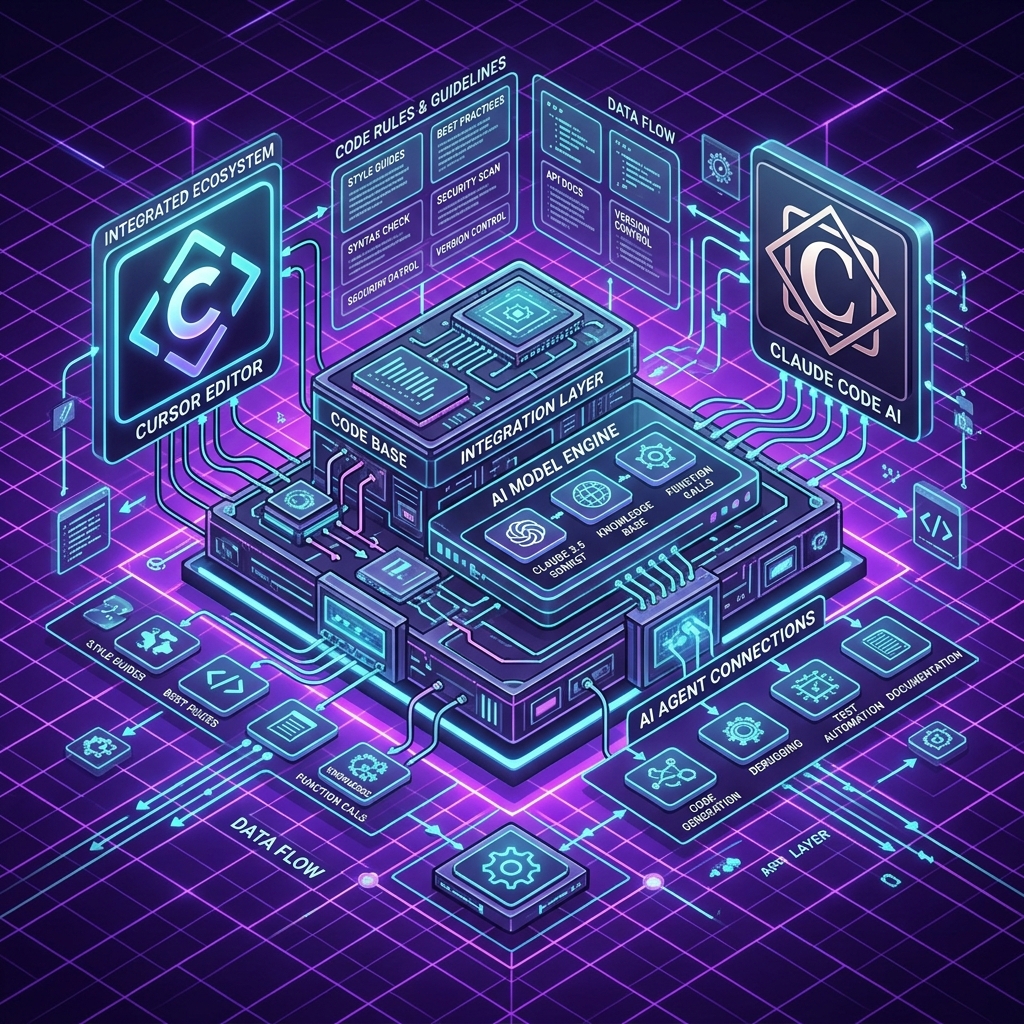
The Ultimate Harness Engineering Playbook: How to Blueprint Your Codebase for Cursor & Claude Code
If you use AI coding tools like Claude Code, Cursor, Windsurf, or Antigravity, you have likely experienced the "context decay" problem. On prompt 1, the AI writes clean, beautiful code. By prompt 15, it starts forgetting previous constraints, introducing syntax errors, or rewriting existing files with missing imports.
The solution to context decay is not starting over in a new chat. The solution is building an Enterprise Harness Blueprint.
In this playbook, inspired by Ryan Lopopolo’s landmark repository lopopolo/harness-engineering, we will provide ready-to-use, copyable configuration templates that turn any codebase into an AI-optimizing development engine in under 15 minutes.
---
1. Step 1: Create Your Root AGENTS.md File
The AGENTS.md file sits at the root of your repository. It acts as the primary system prompt for any autonomous AI agent or sub-agent inspecting your codebase.
Create AGENTS.md in your project root and paste the following blueprint:
---
2. Step 2: Create Your CLAUDE.md File (For Claude Code CLI)
If you use Claude Code CLI or Anthropic’s developer tools, create a CLAUDE.md file in your repository root:
```markdown
CLAUDE.md — Agent System Context
Build & Test Commands
- Build project:
npm run build - Start dev server:
npm run dev - Run test suite:
npm test - Lint check:
npm run lint
Coding Guidelines
- Framework: Next.js 14+ (App Router).
- Styling: Vanilla CSS with dark mode variables (
index.css/globals.css). - Database: Firestore / PostgreSQL via dynamic client helpers in
lib/. - Imports: Always use absolute path aliases (
@/app/lib/...).
Autonomous Self-Correction Protocol
If a test or build command fails after a code update:- Inspect the complete terminal traceback silently.
- Identify the root cause without swallowing exceptions or returning dummy fallback data.
- Apply a drop-in file patch and re-run the verification command.
describe('Harness Conformance Checks', () => {
test('Root page must contain semantic HTML main element', () => {
const pagePath = path.join(__dirname, '../app/page.js');
const content = fs.readFileSync(pagePath, 'utf8');
expect(content.includes(' test('Globals CSS must define core design tokens', () => {
const cssPath = path.join(__dirname, '../app/globals.css');
const content = fs.readFileSync(cssPath, 'utf8');
expect(content.includes('--color-bg')).toBe(true);
expect(content.includes('--color-text')).toBe(true);
});
});
`` Run this evaluation via npx jest evals/ --- By spending 15 minutes adding AGENTS.md For deep architectural patterns, field guides, and additional context bundles, explore Ryan Lopopolo’s official open-source repository at lopopolo/harness-engineering. To test your harness engineering skills in practice across 10 real-world building missions, log in to Vibe Coding Codex today! after every AI code update. If an agent breaks your design system tokens or semantic layout, the harness immediately halts the build and prompts the agent to fix it!5. Summary & Reference
, CLAUDE.md, .cursorrules, and evals/` to your project, you transform your codebase into a self-correcting AI harness.
Ready to Stop Typing Code & Start Directing AI Systems?
Join 5,000+ developers building real production software with AI. Learn the 7-Stage Vibe Coding OS, harness engineering, and earn your verified Build DNA Certificate.