Graph Engineering Masterclass: How to Build Parallel Multi-Agent Graphs with Claude Code & The Diamond Pattern
Author: Olamide Emmanuel Stephen | Published: July 24, 2026 | Reading Time: 26 minutes
Canonical Reference: Vibe Coding Codex | Specification: Multi-Agent Graph Architecture
In mid-2026, a remarkable shift took place across the AI engineering landscape.
The lead engineer who built Claude Code revealed that he no longer prompts language models directly. Instead, he writes loops that prompt the model. A few weeks later, elite engineering teams declared loops old news and transitioned to multi-agent graphs.
Underneath all the social media noise lies a genuine, high-leverage craft: Graph Engineering.
Graph Engineering is simpler than hype posts make it appear. You do not need a PhD or complex mathematical frameworks to master it. You simply need to understand how work flows, where work can split into parallel workers, and where human approval must stand as the final gate before code or content ships.
In this masterclass, we break down the entire Graph Engineering methodology: the core anatomy of a graph, the Diamond Pattern, the Stop Rule, the Human Gate, and three production-ready builds for Claude Code CLI.
---
1. Course Map & Core Vocabulary
Before writing prompts or executing terminal commands, let's map out the course curriculum:
- Lesson 1: What a Graph Actually Is (Nodes, Edges, & Eliminating "Fake Edges")
- Lesson 2: The Diamond Pattern (Parallel Fan-Out ➔ Skeptic Verification ➔ Fan-In Merge)
- Lesson 3: The Stop Rule (Knowing when to stay single-agent vs when graph parallelism pays for itself)
- Lesson 4: The Human Gate (Placing human approvals where mistakes are expensive to undo)
- Build 1: The Deep Research Desk (Complete Claude Code CLI Prompt)
- Build 2: The SEO Content Machine (Complete Claude Code CLI Prompt)
- Build 3: The Go-To-Market Kit (Complete Claude Code CLI Prompt)
- The Playbook: 7 Non-Negotiable Operating Rules for Graph Engineering
2. Lesson 1: What a Graph Actually Is
A graph is simply a visual plan for your AI work, drawn out so you can see every dependency clearly.
It answers two fundamental questions:
- Which specific jobs need to happen? (Nodes)
- Which job has to wait for which prior job to finish? (Edges / Arrows)
When a job requires the result of another job before it can begin, you connect the two with an arrow (Edge). A small set of running notes travels along the arrow, holding what was found, what was decided, and what work remains.
The Fake Edge Test
Look at the AI pipeline you run today. For every "and then" inside your workflow, ask: Does the next job strictly require the previous job's output?An arrow is real only when work flows through it.
- "Summarize this file and then check my calendar" sounds like a sequence, but the calendar step never reads the summary. Those two jobs never had to wait for each other.
- When the answer is no, the arrow is fake and the waiting is wasted. You will find two or three fake edges in almost every legacy pipeline.
---
3. Lesson 2: The Diamond Pattern (The One Pattern That Pays)
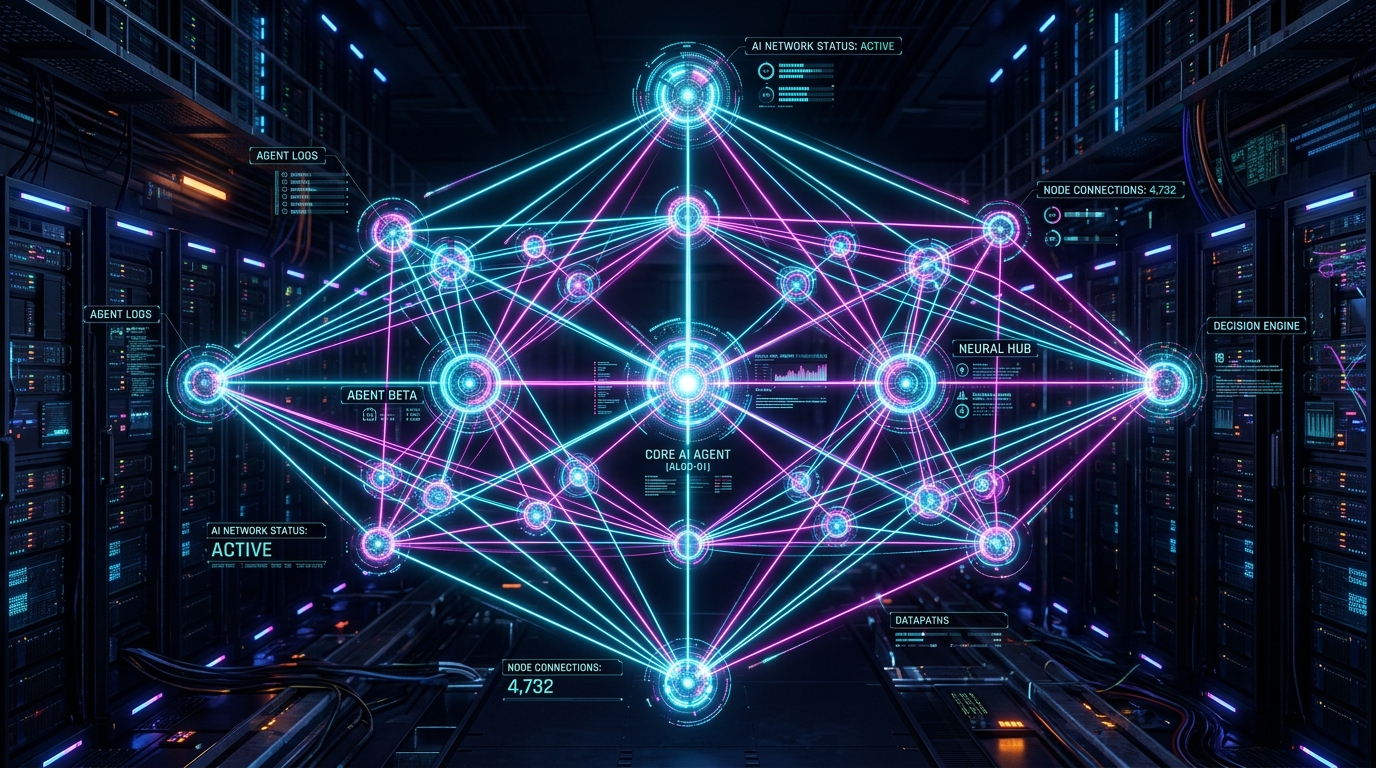
Watch any serious production multi-agent system in action and the exact same visual structure appears: The Diamond.
Work splits, several specialized workers dig side-by-side in parallel, a dedicated checking node evaluates what was found, and everything merges back into one clean result.
The Non-Negotiable Checking Step
Most amateur AI pipelines skip the dedicated checking step. They ask a single model to draft code or research and grade its own output in the same turn.Empirical AI research confirms a universal truth: Models miss up to 80% of their own mistakes when grading their own homework.
Never let the same agent grade its own output. In the Diamond Pattern, pass the results to a separate Skeptic Node whose sole task is to kill weak findings before they reach you. Give every checker a distinct question:
- Checker 1: Is this claim technically correct?
- Checker 2: Is this data current and verified?
- Checker 3: Is the source authentic?
4. Lesson 3: The Stop Rule (Protecting Your Token Bill)
More AI agents are not automatically better. Adding agents indiscriminately is the fastest way to blow through your API budget.
When benchmark researchers hand a team of agents and a single agent the exact same token budget:
- The multi-agent team wins decisively on work that splits into independent, parallel tasks.
- The multi-agent team loses clearly on work where every step requires the full context of the previous step.
The Stop Rule: A graph buys breadth; it does not buy better judgment. When every step needs the full picture, stay with a single agent. The moment the work splits into jobs that never read each other's intermediate outputs, that is when the graph starts paying for itself.
Before adding a single agent to your workflow, ask the only question that decides your bill: Where does my work split?
---
5. Lesson 4: The Human Gate
You are the most important node in your own graph.
Every production-grade multi-agent system routes to a human before taking any irreversible real-world action:
- The Send (Sending emails or outreach)
- The Publish (Deploying code or publishing blog posts)
- The Refund (Processing financial transactions)
- The Invoice (Issuing billing statements)
The Design Rule: Place your human approval gate where a mistake would be expensive to undo — not on every tiny intermediate step. A gate on everything makes you the bottleneck; a gate on nothing means nobody is watching.
---
6. Build 1: The Deep Research Desk
Replace weeks of manual research or expensive analyst invoices with a 5-worker parallel research graph backed by a Skeptic Node.
The Claude Code CLI Prompt:
---
7. Build 2: The SEO Content Machine
Build a parallel research and writing graph that produces rank-ready content drafts without ever publishing without your explicit approval.
The Claude Code CLI Prompt:
---
8. Build 3: The Go-To-Market (GTM) Kit
Generate complete product positioning, landing page copy, launch posts, and outreach sequences in a single coordinated run.
The Claude Code CLI Prompt:
---
9. The 7-Point Graph Playbook
To keep your multi-agent graphs from turning into expensive token leaks or runaway loops, enforce these 7 golden rules:
- Delete Fake Edges First: Eliminate all "no-work arrows" where a step waits for a previous job without reading its output.
- Split Only What Never Reads Back: Only introduce parallel workers for tasks that do not depend on each other's intermediate state.
- Never Travel Unchecked: Every finding must pass through a dedicated Skeptic Node before entering the final report.
- Enforce Hard Iteration Caps: Every agent loop MUST have a hard maximum round cap (e.g.
max_iterations = 3). - Single-Writer File Locks: Never allow multiple parallel workers to write to the same file simultaneously.
- The Last Yes Rule: Place human approval gates exactly where mistakes are expensive to undo.
- Tool Restraint: One tool is enough until you can explicitly name the financial reason it isn't.
10. Conclusion & Action Steps
Graph Engineering transforms AI development from slow, linear sequences into high-throughput parallel execution engines.
- Generate your custom
CLAUDE.mdharness: Use our free CLAUDE.md Builder. - Master 10 Flagship Missions: Join the Vibe Coding Codex Academy to build, test, and ship production software with AI.
Ready to Stop Typing Code & Start Directing AI Systems?
Join 5,000+ developers building real production software with AI. Learn the 7-Stage Vibe Coding OS, harness engineering, and earn your verified Build DNA Certificate.