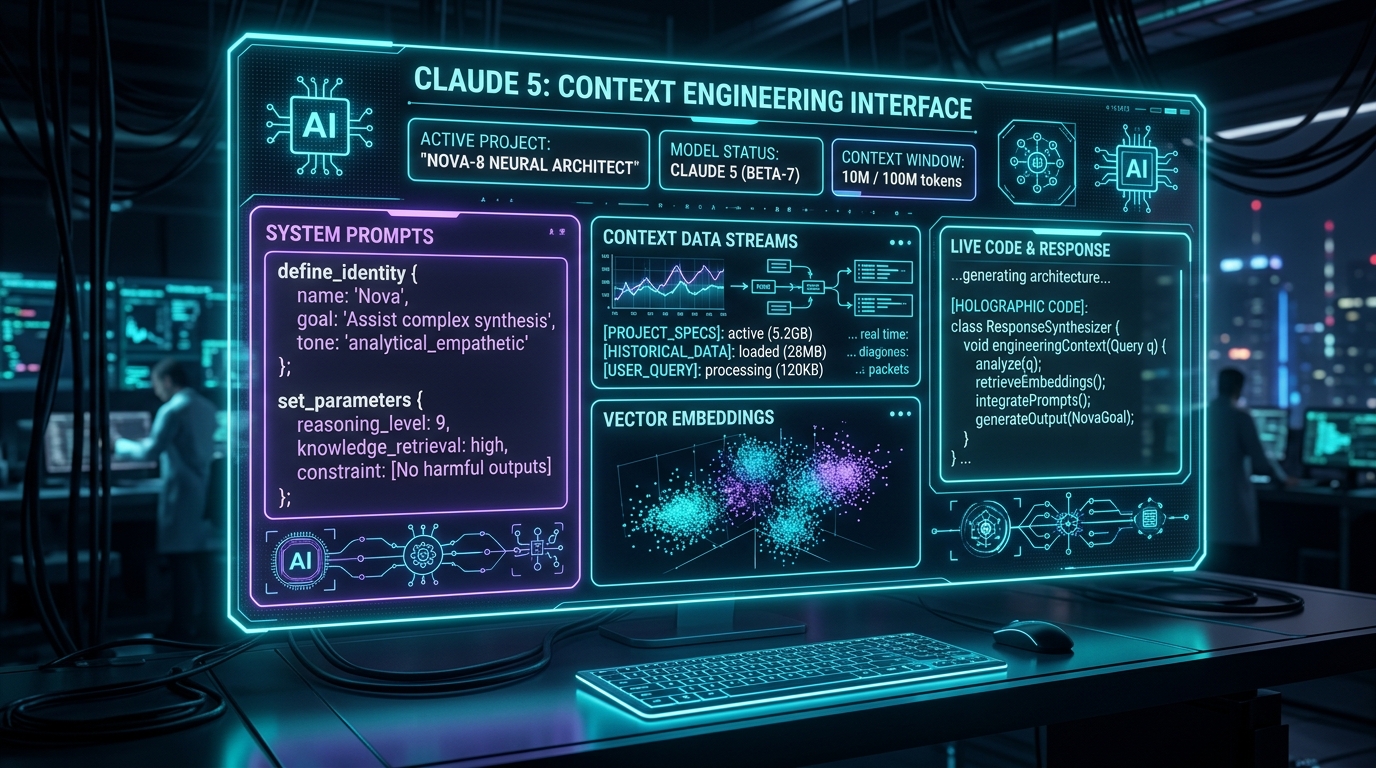
The New Rules of Context Engineering for Claude 5 Models
When you send a message to Claude, the user prompt is only a small part of the context the model processes. Much of your total context is dynamically assembled from your system prompt, custom Skills, CLAUDE.md files, automatic memory, and surrounding codebase files. We call this context engineering, and it has a massive impact on the quality, speed, and accuracy of results generated when using Claude Code or building your own autonomous agent harnesses.
Unlike an individual user prompt, engineered context is used broadly across many requests, meaning it cannot be overly specific or rigid. How do you design these general prompts and guidance for Claude, especially when you don’t know what a user's prompt might be?
This can be surprisingly difficult as Claude’s baseline intelligence evolves. Recently, with the release of the newest generation of Claude 5 models (such as Claude Opus 5 and Claude Fable 5), we observed a massive leap in model reasoning. We removed over 80% of Claude Code’s system prompt for Claude 5 models with zero measurable loss on coding evaluations.
Here is what we’ve learned about prompting this new class of models, how to update your context engineering practices, and how to use claude doctor to rightsize your skills and project files.
---
1. Unhobbling Claude: Deleting 80% of System Constraints
Historically, prompt engineers had to over-constrain AI models to avoid worst-case scenarios—such as rewriting entire files unnecessarily, adding excessive docstrings, or deleting critical code blocks.
However, reading internal transcripts of Claude Code usage revealed a major bottleneck: system prompts, skill files, and user requests were clashing with conflicting instructions. For instance, a single request might receive conflicting signals like "leave documentation as appropriate" from the user, while the system prompt shouted "DO NOT add comments".
While Claude can usually decipher user intent despite noise, forcing the model to evaluate overlapping and contradictory rules adds artificial cognitive load. Claude must spend reasoning tokens resolving rule conflicts before writing a single line of code.
By deleting over 80% of legacy guardrails, we unhobbled Claude. Newer Claude 5 models possess high-fidelity reasoning and surrounding context awareness, allowing them to make nuanced judgements without needing explicit micro-management.
---
2. Then vs. Now: The 6 Paradigm Shifts in Context Engineering
The context engineering strategies required for earlier models have become outdated myths when working with Claude 5. Here is how the rules have shifted:
| Legacy Practice (Then) | Claude 5 Best Practice (Now) |
|---|---|
| Give Claude Micro-Rules | Let Claude Use Surrounding Judgement |
| Provide Inline Tool Examples | Design Expressive Tool Interfaces |
| Put All Instructions Upfront | Use Progressive Disclosure (Skills & Deferred Tools) |
| Repeat Instructions across Prompts | Clean, Single-Source Tool Descriptions |
Manual Memory in CLAUDE.md | Native Auto-Memory |
| Simple Markdown Specs | Rich References (HTML Artifacts & Executable Code) |
---
Shift 1: Give Rules ➔ Let Claude Use Judgement
Then: When Claude Code was first deployed, system prompts enforced rigid, absolute constraints to prevent runaway behavior. For example, legacy system prompts stated:
Now: In many real-world scenarios, rigid rules produce poor output. A complex algorithm should have multi-line docstrings, and established codebases may require inline comments. Claude 5 models have superior contextual judgement and match surrounding codebase patterns naturally.
In the new Claude 5 system prompt, we simply specify:
"Write code that reads like the surrounding code: match its comment density, naming, and idiom."
---
Shift 2: Give Examples ➔ Design Expressive Interfaces
Then: The golden rule of tool usage used to be providing concrete input/output examples in the tool description.
Now: Providing explicit examples often accidentally constrains Claude 5 to a narrow exploration space. Instead of bloating prompts with example payloads, focus on the structural design of your tools, scripts, and JSON schemas.
For example, in a Todo tool schema, defining status as an explicit enumeration ("pending" | "in_progress" | "completed") clearly signals expected behavior without wasting tokens on example strings.
---
Shift 3: Put It All Upfront ➔ Use Progressive Disclosure
Then: System prompts included exhaustive instructions for every possible edge case (e.g., code verification steps, linting rules, deployment checks) just in case the model needed them.
Now: Claude 5 excels at progressive disclosure — dynamically loading relevant context only when required.
- Skills as On-Demand Context: Detailed code review guidelines or verification routines are moved into standalone Skill files (e.g.,
VERIFY.md) that Claude loads on demand. - Deferred Tool Search: Complex enterprise tools use deferred loading (
ToolSearch), keeping tool schemas out of the context window until the model explicitly queries for them. - Tree of Files: Instead of a massive monolithic
CLAUDE.md, structure your documentation as a tree of lightweight files loaded as needed.
Shift 4: Repeat Yourself ➔ Simple Tool Descriptions
Then: Older models suffered from recency bias or positional forgetfulness, requiring instructions to be repeated both in the main system prompt and at the end of tool descriptions.
Now: Claude 5 respects system instructions reliably regardless of position. Delete duplicate instructions and place tool-specific guidance exclusively within that tool’s description parameter.
---
Shift 5: Manual Memory in CLAUDE.md ➔ Auto-Memory
Then: Developers manually saved project context and user preferences by writing rules to their project's CLAUDE.md file using hotkeys or manual edits.
Now: Claude 5 features native Auto-Memory. The model automatically extracts and persists relevant project conventions, architecture patterns, and user preferences across chat sessions without cluttering your repository's CLAUDE.md.
---
Shift 6: Simple Specs ➔ Rich References
Then: Planning relied on basic markdown text files outlining steps.
Now: Claude 5 handles high-density, multi-modal reference materials with ease:
- Interactive HTML Artifacts: Use rendered HTML UI mockups and interactive components instead of plain text descriptions.
- Code as Specification: Pass reference functions from existing codebases or comprehensive test suites (
vitest/jesttest files) as the authoritative specification. - Evaluation Rubrics: Provide rubrics that allow Claude to spin up internal verifier subagents to grade its own output against your architectural standards.
3. Practical Blueprint: Rightsizing Your Context Assembly
When putting these principles together, here is how you should structure your project context:
1. System Prompt
Keep it strictly tied to product boundaries and core agent capabilities. If you are using Claude Code directly, you rarely need to modify this. If building a custom agent harness, keep it lean.2. CLAUDE.md
Keep your CLAUDE.md lightweight. Briefly describe the repository purpose and document unexpected codebase gotchas (e.g., "All TypeScript types must be exported from @/types/index.ts"). Avoid stating obvious conventions that Claude can deduce by reading the file structure.
3. Custom Skills
Create lightweight guides for specific tasks (e.g., database migrations, API testing). For long skills, split them into modular sub-files and let Claude load them via progressive disclosure.---
4. Rightsizing Automatically with claude doctor
To help developers clean up legacy rules, bloated system prompts, and outdated CLAUDE.md files, we introduced the claude doctor diagnostic command.
Run the following command inside Claude Code to automatically scan and rightsize your environment:
claude doctor inspects your project skills, CLAUDE.md constraints, and tool definitions — highlighting redundant rules, conflicting instructions, and opportunities for progressive disclosure.
---
Conclusion
Prompting Claude 5 models is no longer about building tight cages of rules. It is about engineering clean interfaces, providing rich reference materials, and letting the model's baseline intelligence and judgement work for you.
Master context engineering, harness architecture, and autonomous AI swarms across our 10 Flagship Missions on Vibe Coding Codex.
Ready to Stop Typing Code & Start Directing AI Systems?
Join 5,000+ developers building real production software with AI. Learn the 7-Stage Vibe Coding OS, harness engineering, and earn your verified Build DNA Certificate.