AI Blackboard vs. Smart Board vs. Interactive Whiteboard: The 2026 Definitive Comparison
Educational institutions, university IT departments, and corporate training divisions face a critical infrastructure decision in 2026: How should we equip our learning and collaboration spaces for the next decade?
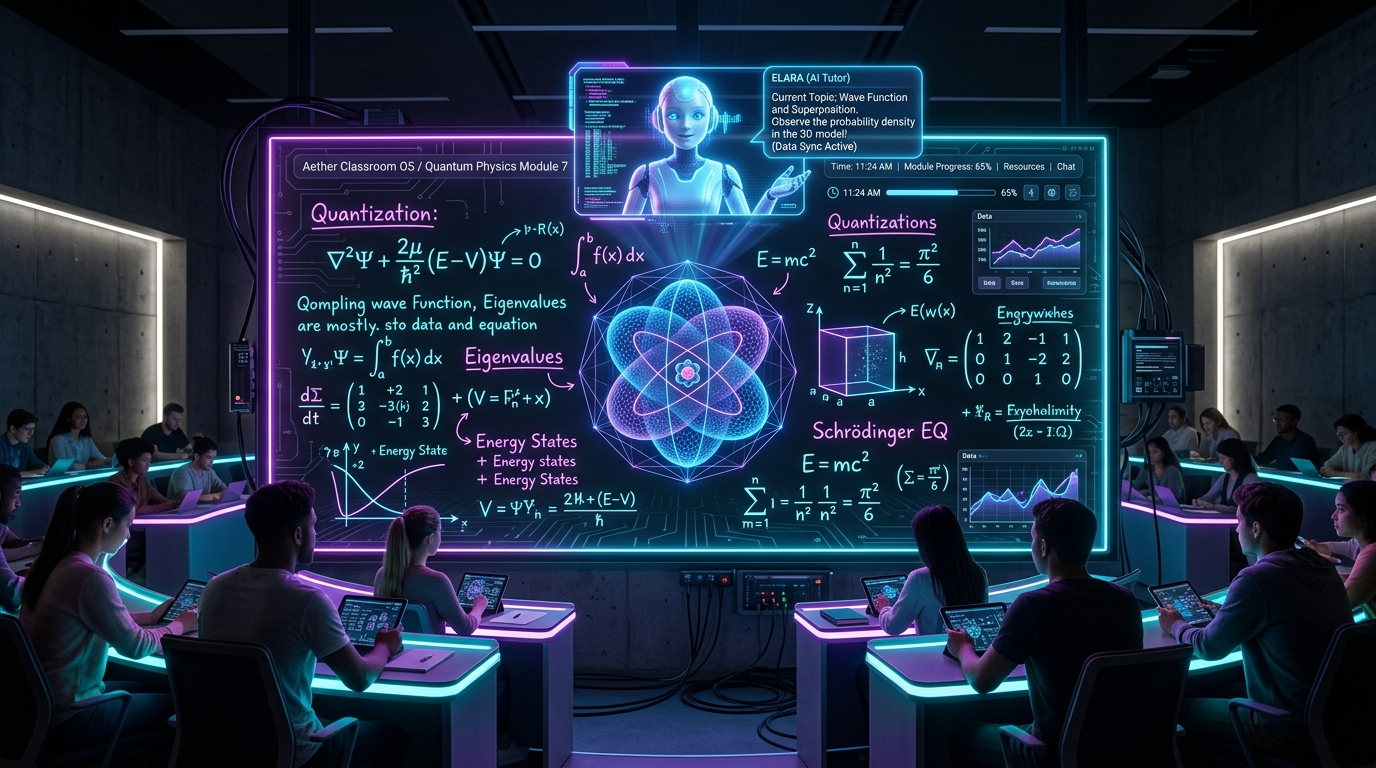
For over 15 years, the market was dominated by Interactive Whiteboards (IWBs) and Smart Boards. However, the introduction of AI Blackboards powered by real-time computer vision and generative LLMs has fundamentally disrupted the hardware landscape.
This guide provides an exhaustive side-by-side benchmark analyzing features, total cost of ownership (TCO), maintenance requirements, and user experience across all three display paradigms.
---
Table of Contents
- Architectural Evolution: 2005 to 2026
- Side-by-Side Feature Matrix
- Deep Dive 1: Interactive Whiteboards (IWB)
- Deep Dive 2: Smart Boards & Touch Flat Panels
- Deep Dive 3: Generative AI Blackboards
- 5-Year Total Cost of Ownership (TCO) Financial Model
- Classroom & Enterprise User Experience Benchmarks
- School Purchasing Decision Framework
- Frequently Asked Questions (FAQs)
- Conclusion & Cluster Links
1. Architectural Evolution: 2005 to 2026
To evaluate these technologies, we must categorize their underlying technological eras:
- Generation 1: Interactive Whiteboards (2005–2015): Passive touch surfaces connected via USB to a desktop computer, requiring overhead bulb projectors. High maintenance, frequent calibration issues.
- Generation 2: Smart Boards & Touch Flat Panels (2015–2024): All-in-one 4K touchscreen monitors running Android or Windows. Built-in whiteboarding apps, web browsers, and static annotation widgets.
- Generation 3: AI Blackboards (2025–Present): Spatial perception environments combining high-res vision sensors, acoustic arrays, and generative AI engines that active assist, fact-check, and synthesize content automatically.
2. Side-by-Side Feature Matrix
| Feature / Dimension | Interactive Whiteboard (IWB) | Smart Board / Touch Panel | AI Blackboard |
|---|---|---|---|
| Primary Interaction | Stylus / Touch Digitizer | Multi-touch Display (20-point) | Natural Chalk/Marker + Vision + Voice |
| Intelligence Layer | None (Mirrors PC screen) | Basic static app widgets | Real-time Vision OCR + LLM Reasoning |
| Math Problem Solving | No | Manual app calculation | Automatic step-by-step LaTeX solution |
| Diagram Recognition | No | Basic shape smoothing | Generative 3D model transformation |
| Real-Time Fact-Checking | No | No | Automatic error detection & hints |
| Audio Transcription | No | Manual recording app | Timestamped Whisper voice alignment |
| Hardware Hardware Cost | $1,500 – $3,000 | $4,500 – $9,000 | $1,200 (Retrofit) – $6,000 (Native) |
| 5-Year Maintenance | High (Bulb replacement, calibration) | Medium (OS updates, panel repair) | Low (Edge camera/NPU updates) |
---
3. Deep Dive 1: Interactive Whiteboards (IWB)
Legacy IWBs (e.g. early SMART Technologies or Promethean boards) relied on resistive touch surfaces and ceiling-mounted projectors.
Limitations in 2026:
- Requires constant recalibration if the projector is bumped.
- Instructor shadows block the projected image.
- Zero autonomous intelligence — acts strictly as a giant computer trackpad.
4. Deep Dive 2: Smart Boards & Touch Flat Panels
Commercial Touch Flat Panels (e.g. Samsung Interactive Display, SMART Board MX Series) improved image clarity with 4K LED panels and built-in Android OS chips.
Strengths:
- Bright 4K visual display independent of room lighting.
- Multi-user touch interaction (up to 20 simultaneous touch points).
Limitations in 2026:
- High Purchase Cost: Premium 86-inch touch panels cost $6,000–$9,000 per room.
- Static App Trap: Teachers must manually switch between annotation apps, web browsers, and geometry widgets, breaking lecture flow.
- No Generative Co-Teaching: Cannot read handwriting context to assist with equation solving or diagram synthesis out-of-the-box.
5. Deep Dive 3: Generative AI Blackboards
AI Blackboards shift the focus from expensive touch glass to spatial computer vision and generative AI models.
Superpowers:
- Hardware Flexibility: Can be deployed as a native OLED display OR retrofitted onto existing physical chalk/marker boards using a camera + projector module for a fraction of the cost.
- Active Cognitive Partner: Solves math, animates physics diagrams, fact-checks proofs, and generates searchable study guides automatically.
6. 5-Year Total Cost of Ownership (TCO) Financial Model
Comparing a district-wide deployment across 50 classrooms over 5 years:
| Cost Component | 50x Interactive Whiteboards | 50x Smart Boards (86") | 50x AI Blackboard Retrofits |
|---|---|---|---|
| Hardware Capital Exp (CapEx) | $100,000 ($2,000/room) | $325,000 ($6,500/room) | $60,000 ($1,200/room) |
| Installation & Wiring | $25,000 ($500/room) | $35,000 ($700/room) | $15,000 ($300/room) |
| Software Subscriptions (5 Yr) | $0 (Bundled) | $25,000 ($100/yr/room) | $60,000 ($240/yr/room) |
| Maintenance & Bulb Repairs | $30,000 ($600/room) | $15,000 ($300/room) | $5,000 ($100/room) |
| TOTAL 5-YEAR TCO | $180,000 | $400,000 | $140,000 |
| SAVINGS vs SMART BOARD | -- | Baseline | SAVE $260,000 (-65%) |
---
7. School Purchasing Decision Framework
- Choose Smart Boards if your institution requires high-brightness 4K video playback in sunlit rooms and has a large capital budget ($7,000+/room).
- Choose AI Blackboard Retrofits if your institution wants to deliver cutting-edge AI tutoring, automated lesson note generation, and step-by-step math assistance at 65% lower total cost of ownership.
8. Frequently Asked Questions (FAQs)
Q: Can we upgrade our existing Smart Boards to become AI Blackboards?
Yes. By adding an overhead AI Vision Sensor module and installing an AI Blackboard software license, legacy Smart Boards can be upgraded with real-time handwriting recognition, LaTeX math solving, and RAG knowledge retrieval.---
9. Conclusion & Cluster Links
Choosing the right display infrastructure determines how effectively educators can leverage artificial intelligence over the next decade. AI Blackboards deliver superior cognitive assistance at a significantly lower total cost of ownership.Ready to build or deploy an AI Blackboard? Check out our complete developer guide: How to Build an AI Blackboard: Architecture, Code & APIs.
---
10. Related Master Cluster Articles
Ready to Stop Typing Code & Start Directing AI Systems?
Join 5,000+ developers building real production software with AI. Learn the 7-Stage Vibe Coding OS, harness engineering, and earn your verified Build DNA Certificate.