The Shift to On-Device & Hybrid Mobile AI Agents
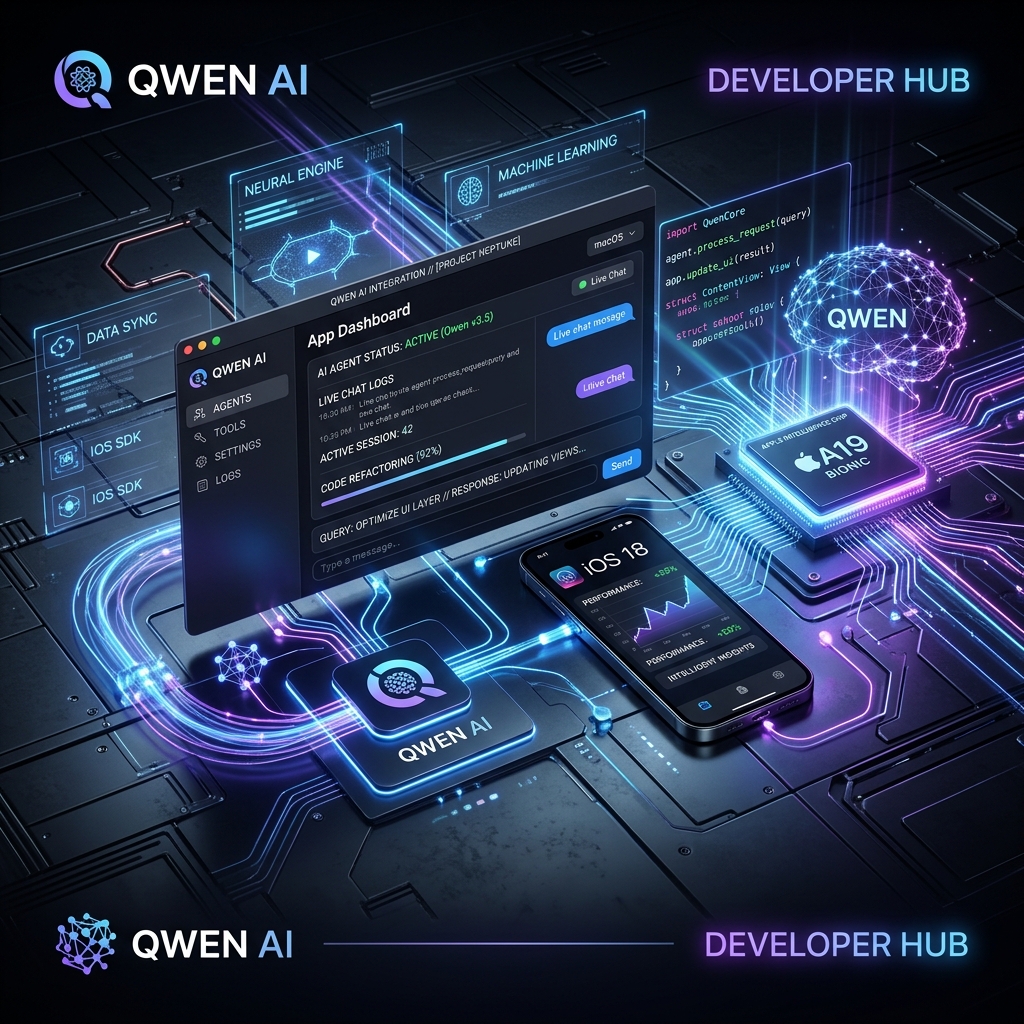
Apple's announcement integrating Alibaba's Qwen AI models into iOS, iPadOS, macOS, and visionOS marks a massive milestone for mobile AI developers. For the first time, native mobile applications can combine Apple's on-device Neural Engine with Qwen's specialized reasoning agents to execute complex user workflows directly within native UI environments.
Whether you are building in Swift / SwiftUI or cross-platform frameworks like React Native, pairing Apple Intelligence foundation APIs with Qwen's LLM engine opens up privacy-first, low-latency mobile automation.
In this hands-on tutorial, we cover:
- Architectural mechanics of Apple's Qwen OS-level framework.
- Building a native Swift task routing agent.
- Building a React Native / Expo cross-platform AI agent bridge.
- Converting existing web-based AI tools into native APK and iOS binaries.
Architecture: Hybrid On-Device & Agent Cloud Routing
Mobile AI agents must balance speed, battery consumption, and reasoning depth. Apple Intelligence and Qwen achieve this through a two-tier execution pipeline:
- Tier 1 (Local Neural Engine): Instant parsing of user intent, semantic search, and context extraction without network overhead.
- Tier 2 (Qwen Agent Dispatch): Complex code generation, multi-file web editing, or deep diagnostic analysis handled seamlessly via secure API dispatch.
1. Building a Native Swift Task Routing Agent
Below is a complete, production-ready SwiftUI Task Dispatcher that handles local processing and dispatches complex tasks to Qwen:
```swift import SwiftUI import Combine
// Qwen API Response Model struct QwenResponse: Codable { struct Choice: Codable { struct Message: Codable { let content: String } let message: Message } let choices: [Choice] }
@MainActor class QwenAgentViewModel: ObservableObject { @Published var promptText: String = "" @Published var agentOutput: String = "" @Published var isLoading: Bool = false private let apiKey = "YOUR_QWEN_API_KEY" func dispatchTask() async { guard !promptText.isEmpty else { return } isLoading = true agentOutput = "" // Fast local evaluation fallback or intent check let isCodeTask = promptText.lowercased().contains("code") || promptText.lowercased().contains("fix") || promptText.lowercased().contains("build") if isCodeTask { await executeQwenCloudAgent(prompt: promptText) } else { // Instant local summary representation self.agentOutput = "📱 [On-Device Execution]: Processed locally via Neural Engine." self.isLoading = false } } private func executeQwenCloudAgent(prompt: String) async { guard let url = URL(string: "https://dashscope.aliyuncs.com/compatible-mode/v1/chat/completions") else { return } var request = URLRequest(url: url) request.httpMethod = "POST" request.setValue("Bearer (apiKey)", forHTTPHeaderField: "Authorization") request.setValue("application/json", forHTTPHeaderField: "Content-Type")
let payload: [String: Any] = [ "model": "qwen-max", "messages": [ ["role": "system", "content": "You are a mobile AI task runner. Return structured execution steps."], ["role": "user", "content": prompt] ], "temperature": 0.2 ] do { request.httpBody = try JSONSerialization.data(withJSONObject: payload) let (data, _) = try await URLSession.shared.data(for: request) let response = try JSONDecoder().decode(QwenResponse.self, from: data) self.agentOutput = response.choices.first?.message.content ?? "No response generated." } catch { self.agentOutput = "❌ Execution Error: (error.localizedDescription)" } self.isLoading = false } }
struct ContentView: View { @StateObject private var viewModel = QwenAgentViewModel() var body: some View { NavigationView { VStack(alignment: .leading, spacing: 16) { Text("Qwen Mobile Agent") .font(.largeTitle) .bold() TextField("Describe task or code request...", text: $viewModel.promptText) .textFieldStyle(RoundedBorderTextFieldStyle()) .padding(.vertical, 8) Button(action: { Task { await viewModel.dispatchTask() } }) { HStack { Spacer() if viewModel.isLoading { ProgressView() .progressViewStyle(CircularProgressViewStyle(tint: .white)) } else { Text("Dispatch Agent ✨") .fontWeight(.bold) } Spacer() } .padding() .background(Color.purple) .foregroundColor(.white) .cornerRadius(10) } ScrollView { Text(viewModel.agentOutput) .font(.system(.body, design: .monospaced)) .padding() } .background(Color(UIColor.secondarySystemBackground)) .cornerRadius(10) Spacer() } .padding() .navigationTitle("AI Agent Runner") } } }
typescript // hooks/useQwenAgent.ts import { useState } from 'react';export function useQwenAgent() {
const [loading, setLoading] = useState(false);
const [result, setResult] = useState
const runAgent = async (userPrompt: string) => { setLoading(true); try { const response = await fetch('https://vibecodingcodex.com/api/qwen-coder', { method: 'POST', headers: { 'Content-Type': 'application/json' }, body: JSON.stringify({ prompt: userPrompt, language: 'typescript' }), }); const data = await response.json(); setResult(data.code || 'Done'); } catch (err) { setResult('Failed to execute agent request.'); } finally { setLoading(false); } };
return { runAgent, loading, result }; } ```
---
3. Converting Web Tools into Native Mobile Binaries (APK & iOS)
A major hurdle for web developers is packaging web-based AI tools (like custom prompt generators, AI debuggers, or website editors) into native mobile applications.
With Vibe Coding Codex App Converter, you can instantly bundle your web apps into native APK binaries:
- Build Your Web Interface: Deploy your Next.js tool or frontend app.
- Access App Converter: Navigate to our App Converter tool.
- Input URL & Configuration: Enter your app URL, package name, and icon metadata.
- Compile Native Binary: Generate standalone native binaries tailored for distribution.
Summary & Next Steps
Integrating Qwen AI agents with native iOS and macOS applications gives mobile developers the ultimate competitive edge: instant on-device intent routing paired with frontier-class cloud code generation.
- Read more technical blueprints in our Codex Chapters.
- Convert your Next.js AI tools to mobile apps using the App Converter.
- Debug mobile scripts on the fly with our AI Debugger.
Ready to Stop Typing Code & Start Directing AI Systems?
Join 5,000+ developers building real production software with AI. Learn the 7-Stage Vibe Coding OS, harness engineering, and earn your verified Build DNA Certificate.